
Snap, edit, and create - all on your phone
Transform photos with one-tap edits — stylize, remove backgrounds, or create characters and avatars.
Transform photos with one-tap edits — stylize, remove backgrounds, or create characters and avatars.



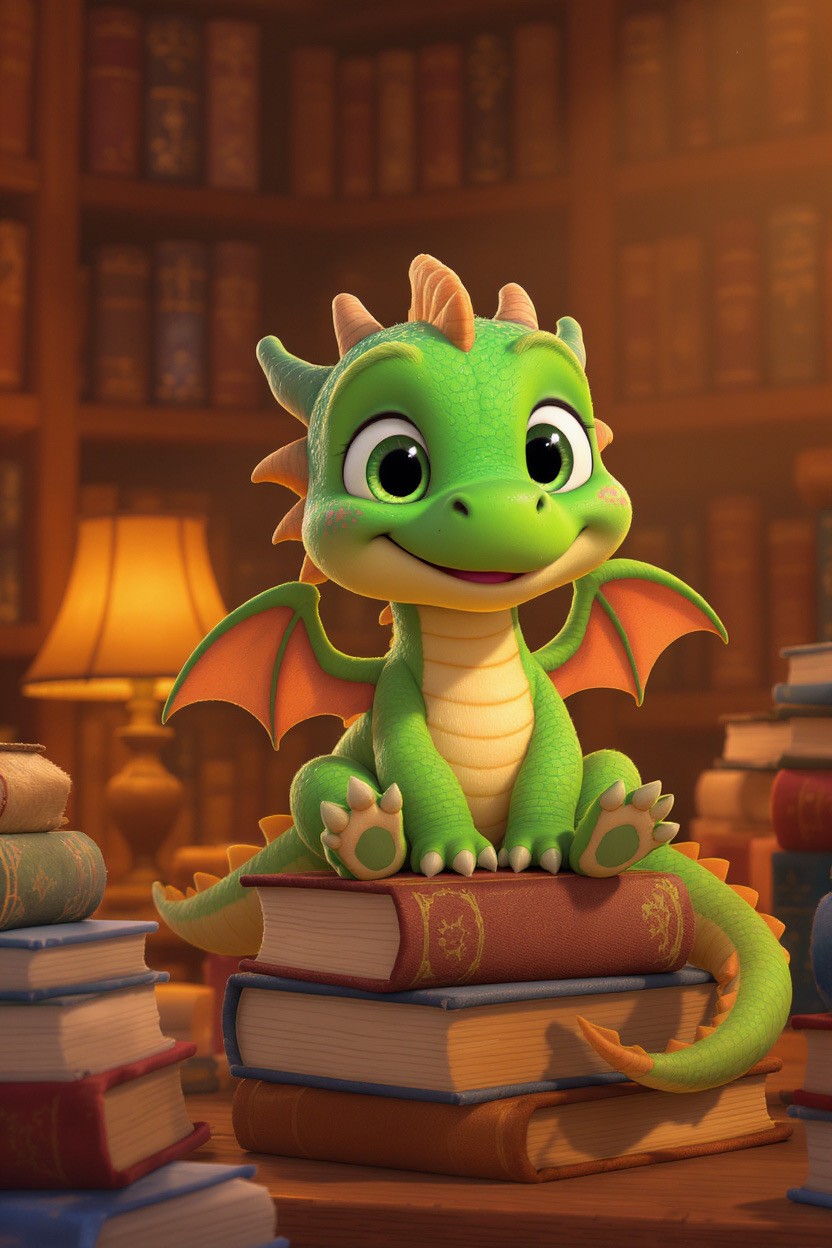

Images created with Gazo
Preview
Preview
Preview
No tools, no layers - just one prompt
Editing made effortless
Editing made effortless
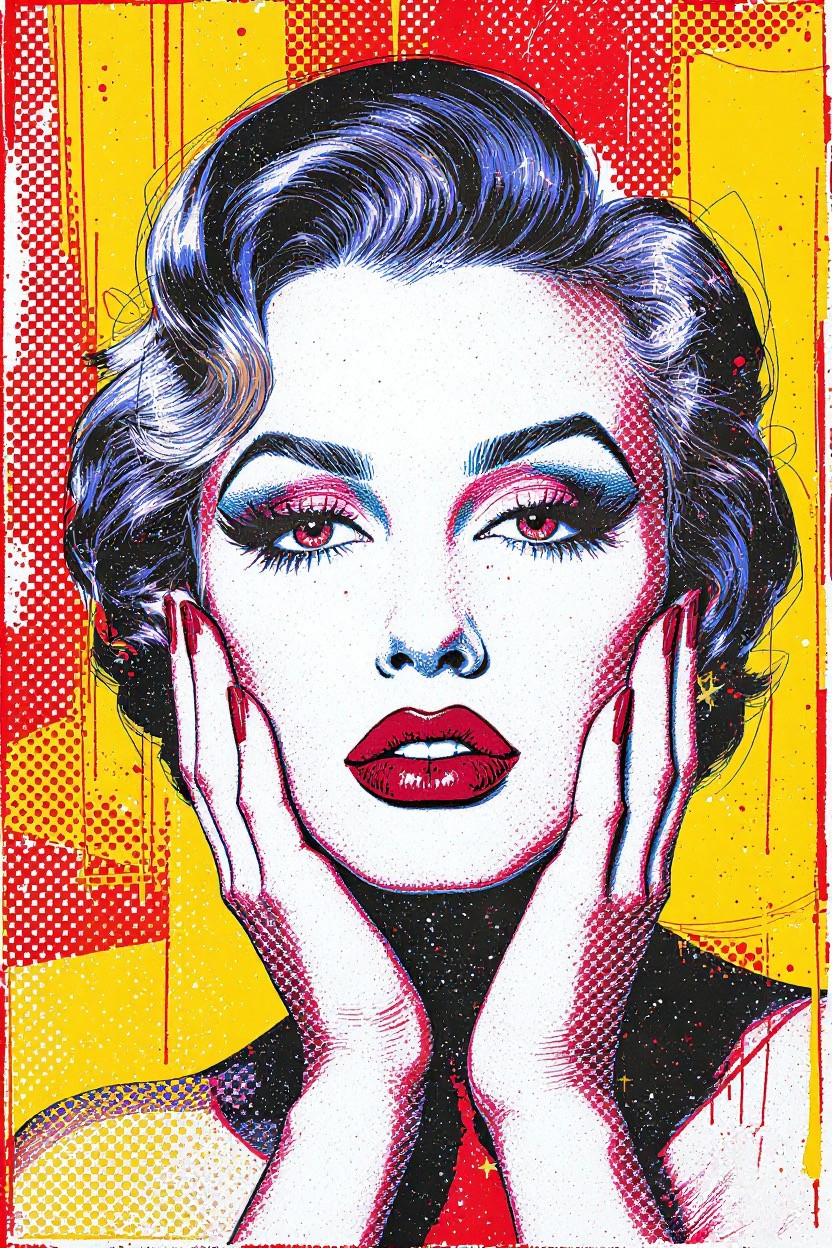
Upload your own image or generate with a prompt
"Make the image realistic"
"Make her eyes closed"
"Show her side profile with a brick wall background"
Upload your own image or generate with a prompt
"Make the image realistic"
"Make her eyes closed"
"Show her side profile with a brick wall background"
Select and tap a prompt below to preview.
Upload your own image or generate with a prompt
"Make this image realistic"
"Make her eyes closed"
"Show her side profile with a brick wall background"
Upload your own image or generate with a prompt
"Make the image realistic"
"Make her eyes closed"
"Show her side profile with a brick wall background"
Upload your own image or generate with a prompt
"Make the image realistic"
"Make her eyes closed"
"Show her side profile with a brick wall background"
The process
The process
The process
How it works
How it works
Two easy ways to create: generate fresh images or edit photos in your pocket
1
Start with a photo or prompt
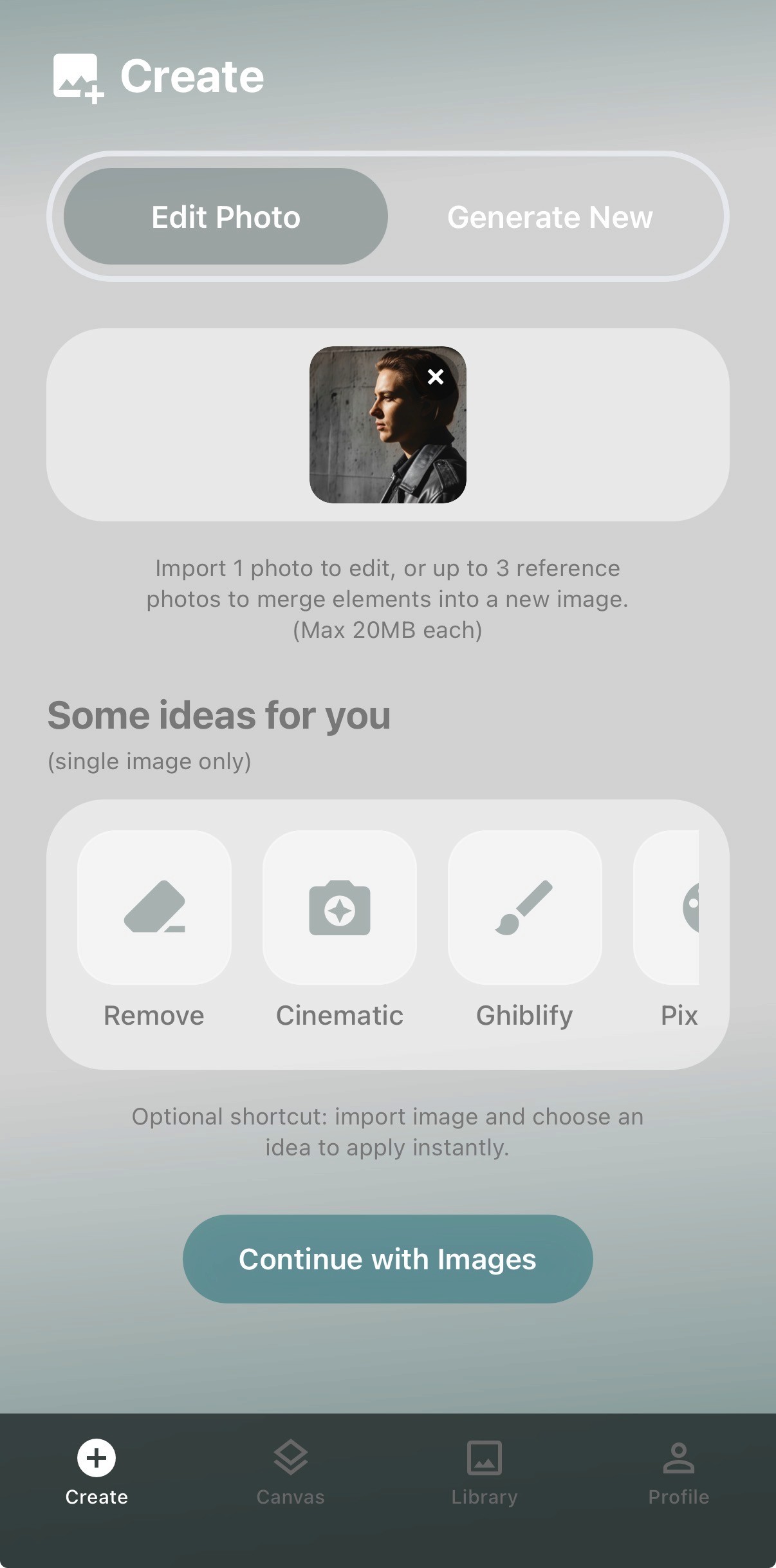
Upload one or multiple photos to edit - or start with a prompt if you want to generate something from scratch. You can also select optional preset prompt ideas for one-tap edits to get started.
1
Start with a photo or prompt
Upload one or multiple photos to edit - or start with a prompt if you want to generate something from scratch. You can also select optional preset prompt ideas for one-tap edits to get started.
1
Start with a photo or prompt
Upload one or multiple photos to edit - or start with a prompt if you want to generate something from scratch. You can also select optional preset prompt ideas for one-tap edits to get started.
2
Edit image with just a prompt
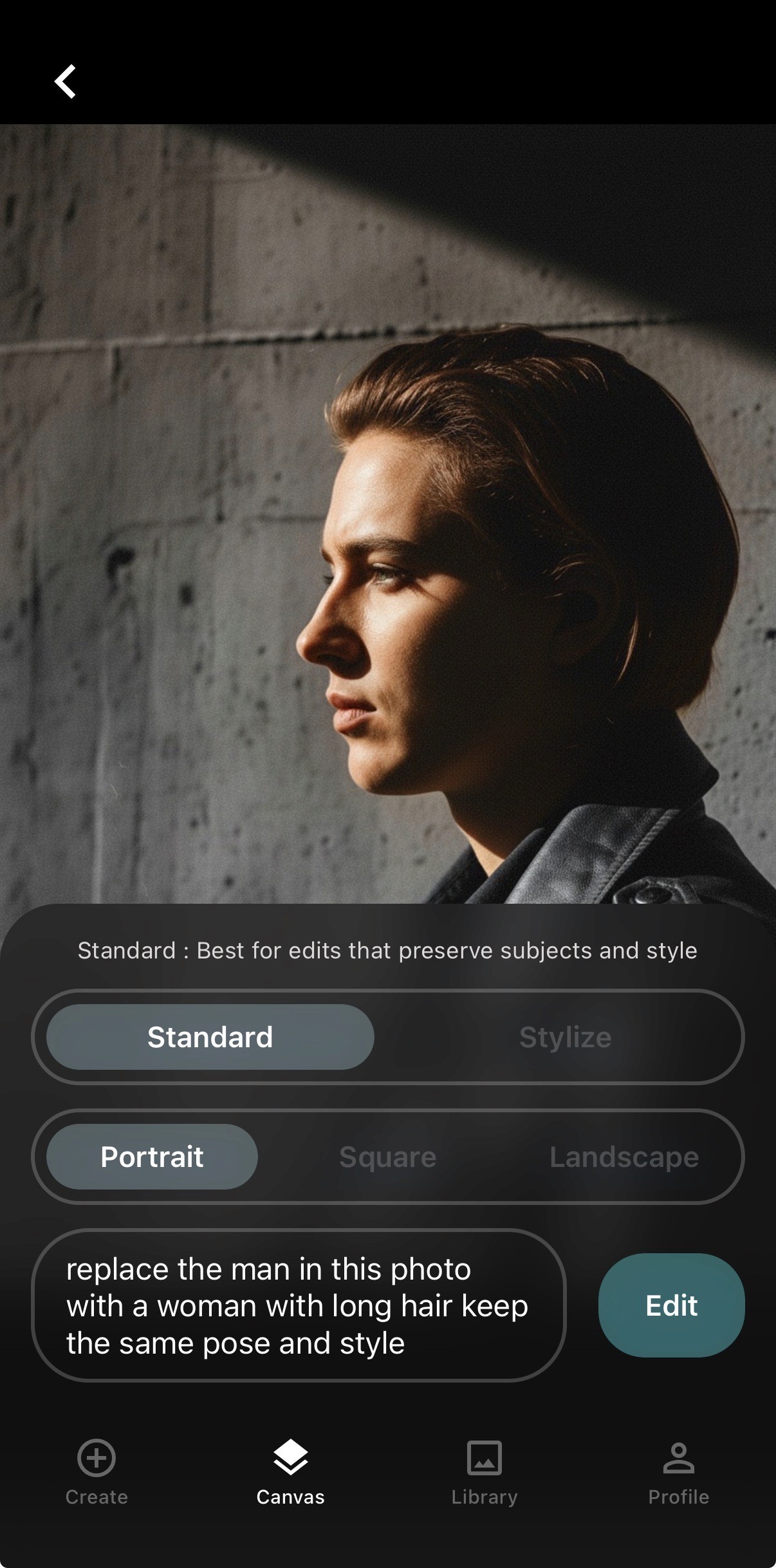
Refine any image using two modes: Standard for better subject consistency, or Stylize for bolder stylistic changes. Make adjustments with a single prompt - no complex tools required.
2
Edit image with just a prompt
Refine any image using two modes: Standard for better subject consistency, or Stylize for bolder stylistic changes. Make adjustments with a single prompt - no complex tools required.
2
Edit image with just a prompt
Refine any image using two modes: Standard for better subject consistency, or Stylize for bolder stylistic changes. Make adjustments with a single prompt - no complex tools required.
3
Review & save your results
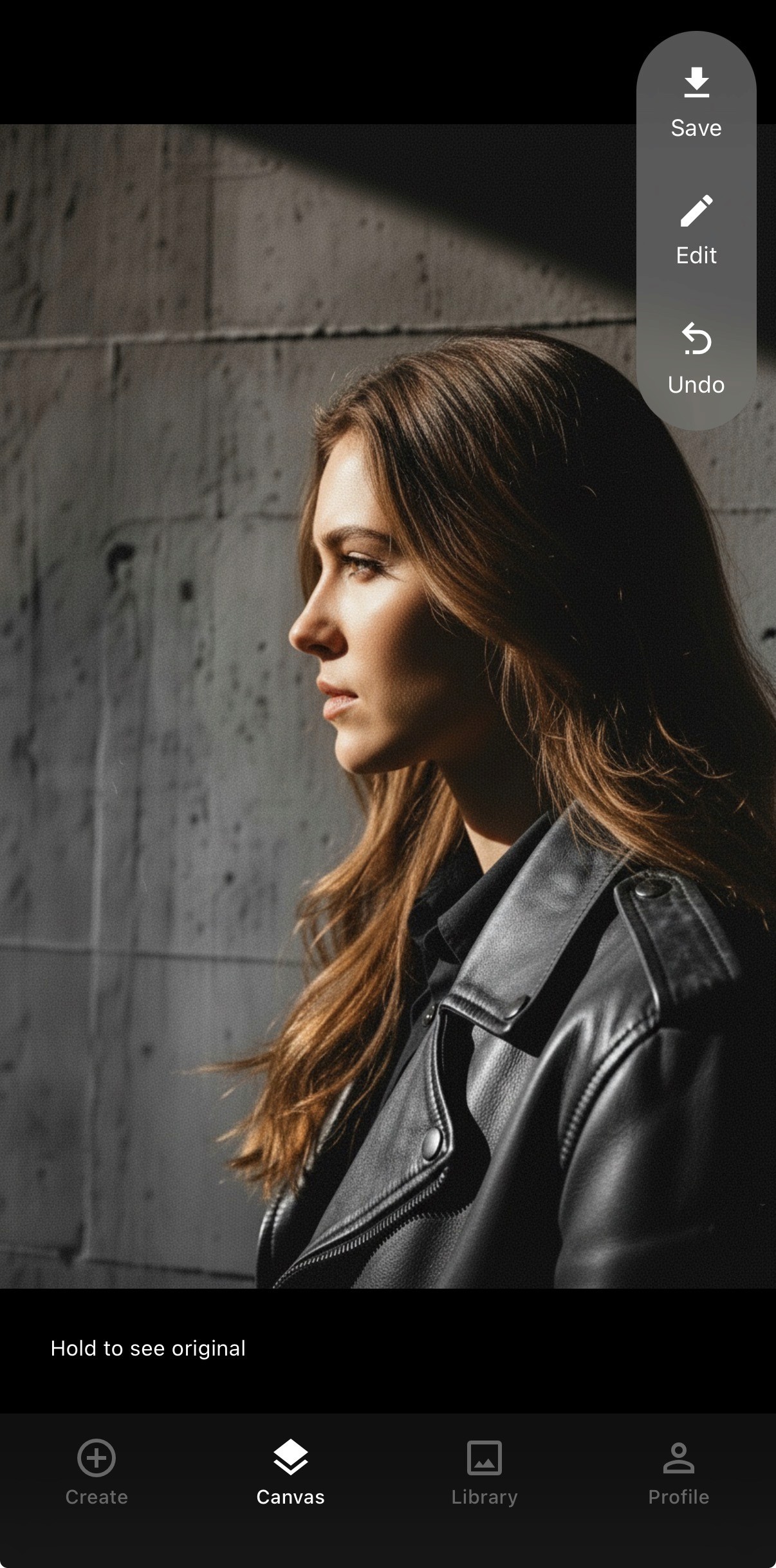
See your updated or generated image instantly. Hold to compare with the original, then save it, tweak it further, or try new variations with one tap.
3
Review & save your results
See your updated or generated image instantly. Hold to compare with the original, then save it, tweak it further, or try new variations with one tap.
3
Review & save your results
See your updated or generated image instantly. Hold to compare with the original, then save it, tweak it further, or try new variations with one tap.
Your AI Studio, on mobile
Your AI Studio, on mobile
Generation & Edits in Seconds with high subject consistency
Watch how a single prompt can completely transform your image in seconds, with high subject consistency.
Your Cloud Library, acess your images anywhere
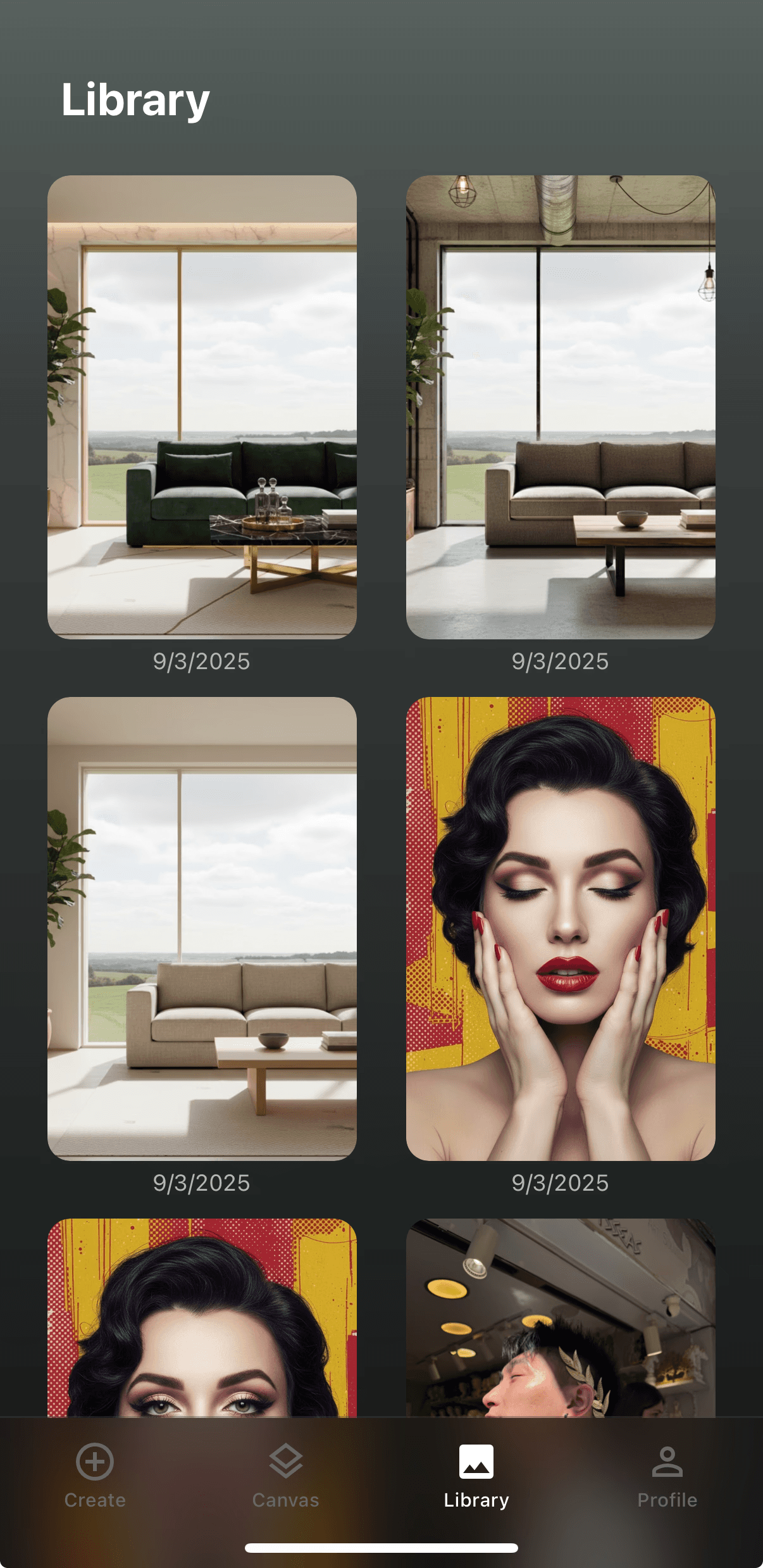
Every generation and edit is saved automatically in your library. Access your history anytime.
Generation & Edits in Seconds with high subject consistency
Watch how a single prompt can completely transform your image in seconds, with high subject consistency.
Your Cloud Library, acess your images anywhere
Every generation and edit is saved automatically in your library. Access your history anytime.
Contact
Contact
Contact
We'd love to hear from you
We'd love to hear from you
Help us improve by sharing your thoughts